Email Verification Sign-in
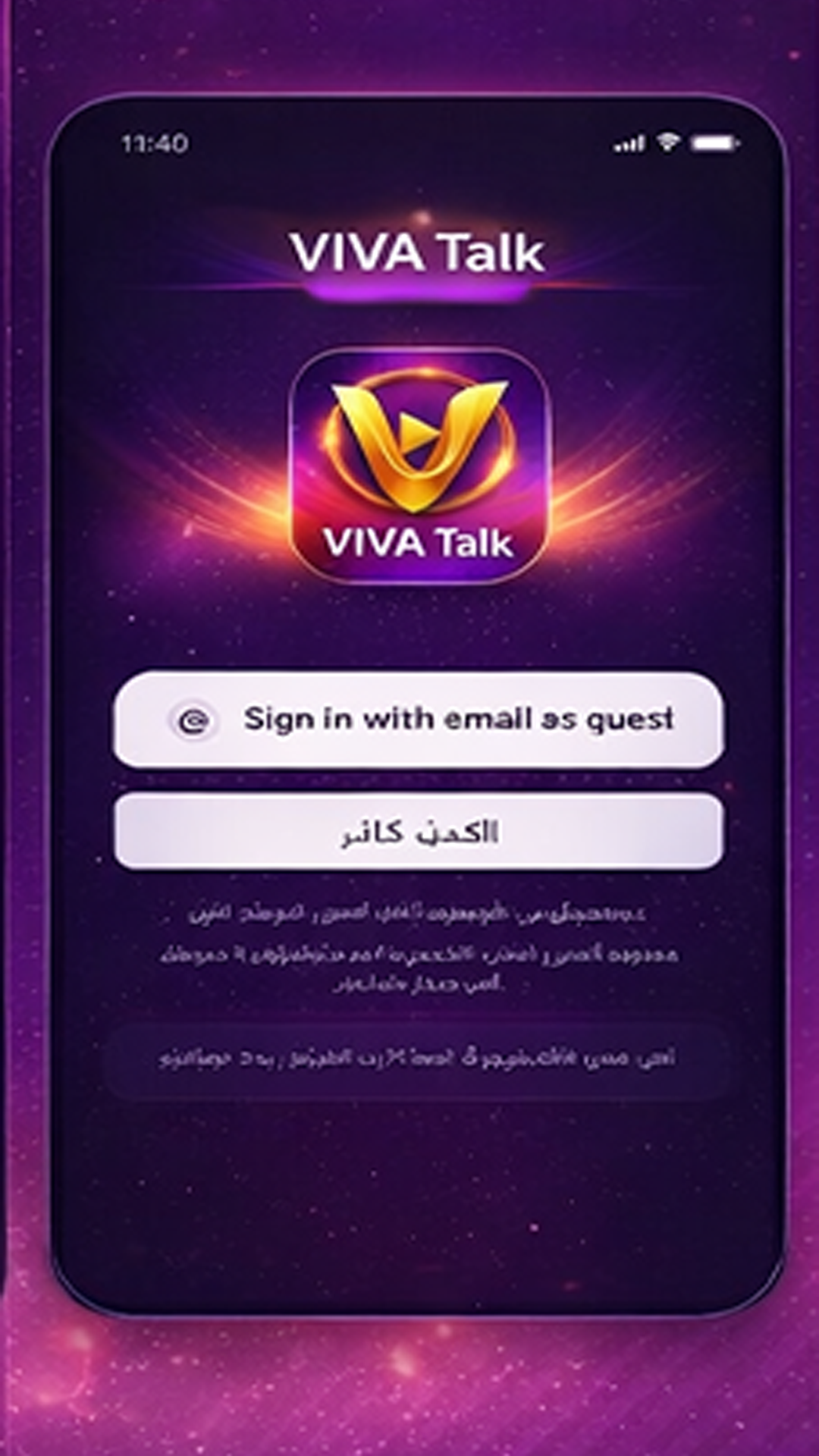
Passwordless sign-in flow designed for lightweight account access and reviewer-friendly onboarding.

VIVATalk is a social voice product focused on lightweight room discovery, account-based access, community reporting, and policy transparency. This website provides product previews, official safety information, and support resources.
Category
Social Voice
Current Stage
Closed Testing
Policy Status
Multi-language Ready
Official app icon used across the product website, app build, and store assets.
The current version focuses on a simple access flow, room-based exploration, user profile browsing, and a clear moderation path for reporting and compliance.
Passwordless sign-in flow designed for lightweight account access and reviewer-friendly onboarding.
Users can browse room-based social spaces and preview the core interaction structure of the product.
Member profiles provide identity cues and lightweight social context inside the current product experience.
Report entry points, moderation workflows, and policy pages support a safer and more compliant product baseline.
Selected product visuals from the current build. These screens reflect the main product surfaces used for onboarding, room discovery, profile browsing, and reporting.
Email verification code sign-in keeps the access flow simple while still supporting account-based room entry.
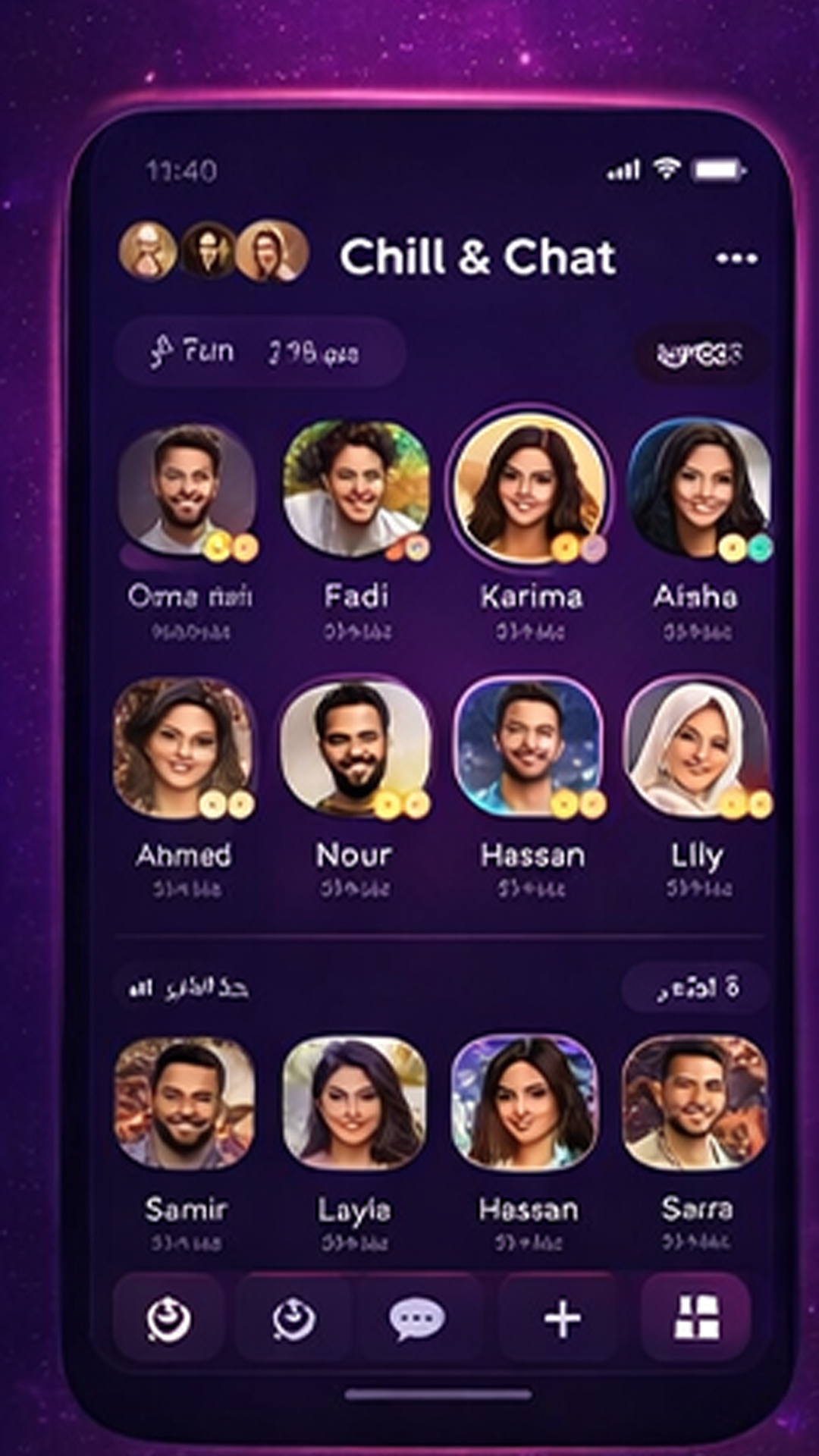
The room screen highlights member presence, room identity, and the social structure of the current experience.
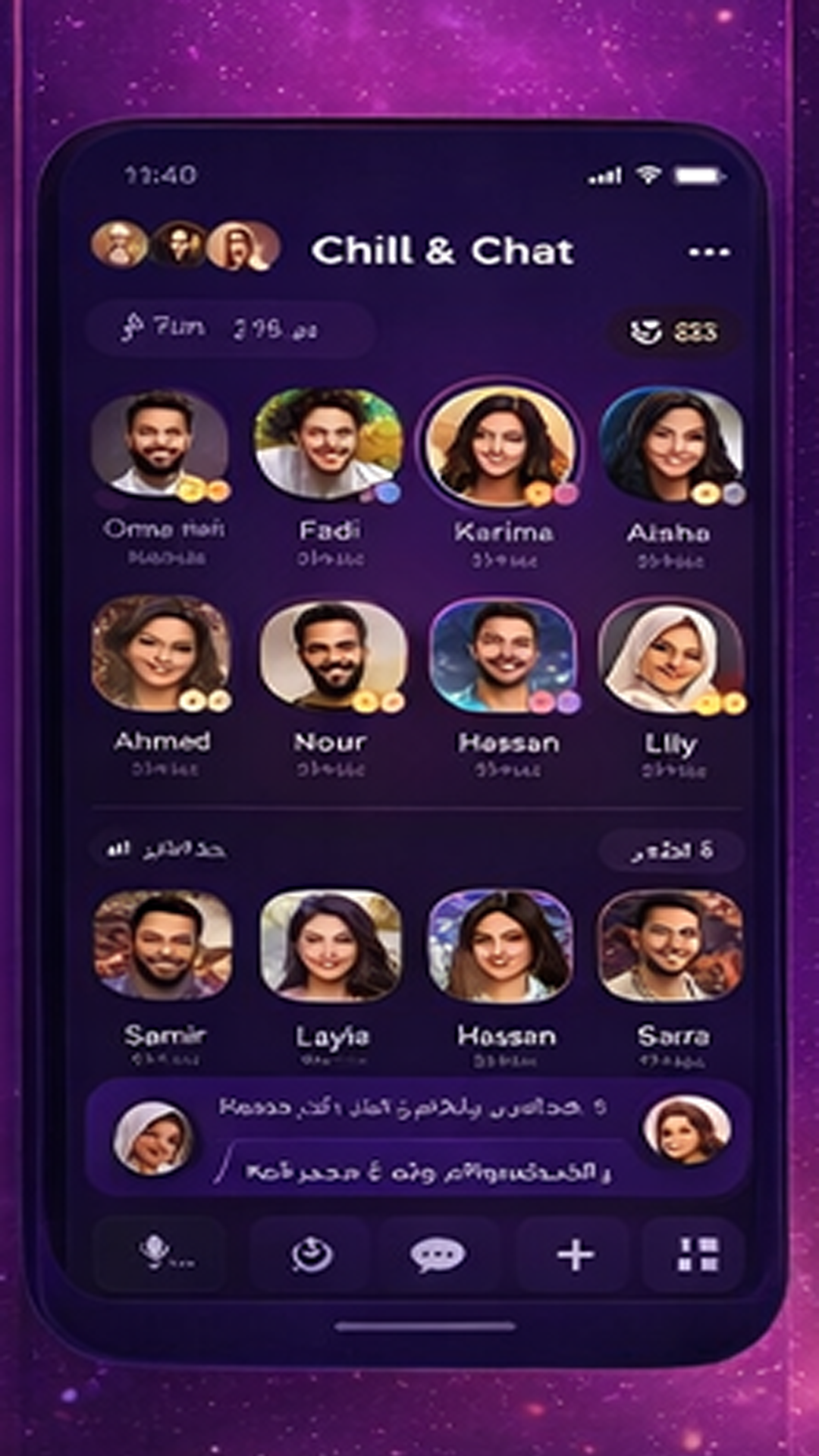
Profile surfaces help users understand who they are interacting with and provide a lightweight trust layer.
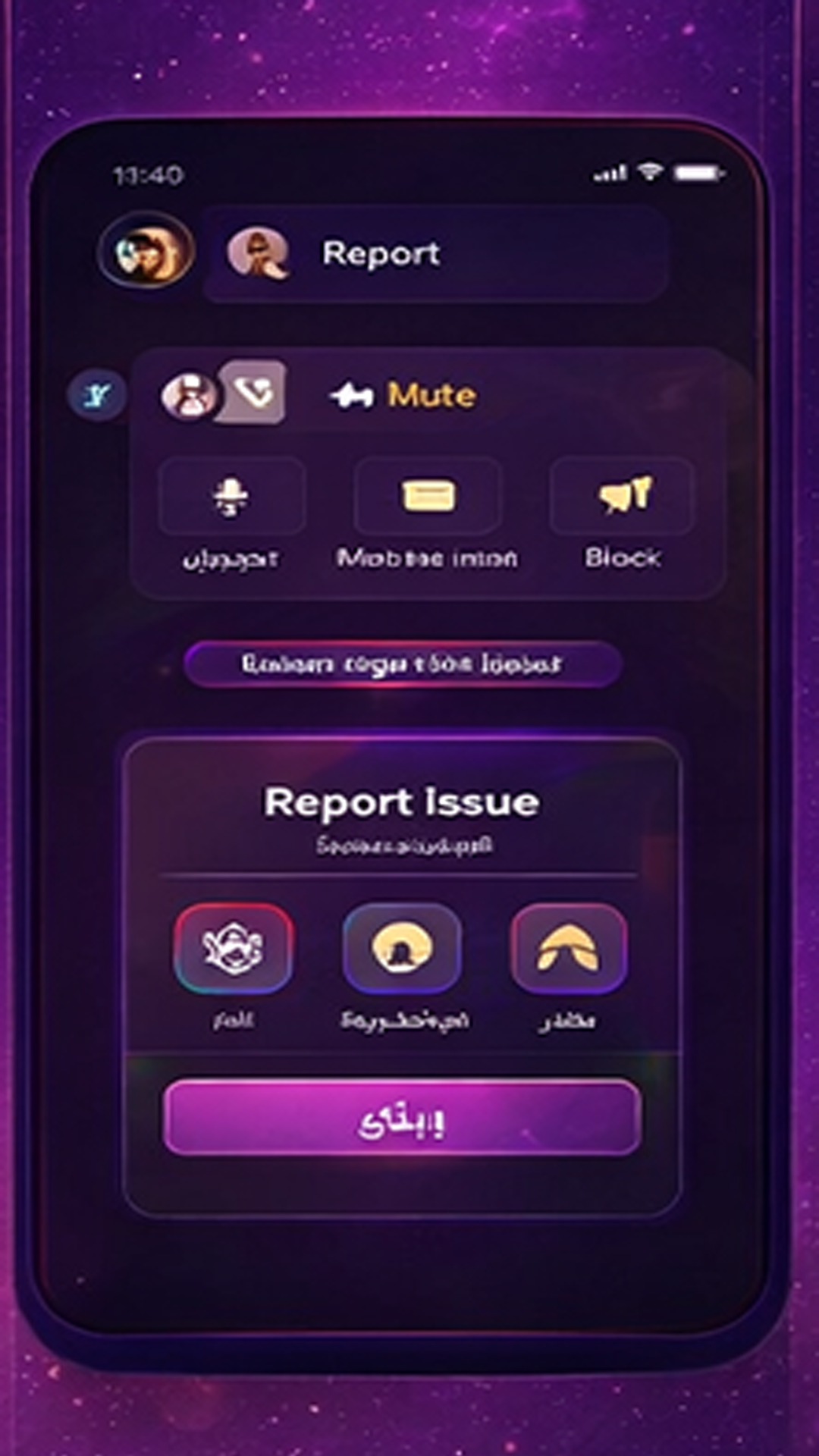
Moderation workflows are visible in-product, with dedicated reporting paths for safer community management.
The current product build is intentionally compact. It focuses on a clear user path from access to room browsing and safety reporting.
Users can begin with email verification code sign-in. Guest mode remains available for limited exploration.
Room discovery is centered on member visibility and room-based voice interaction scenarios.
User profile surfaces give additional identity context and improve the overall social understanding of the room.
Users can report issues through in-product reporting paths, with linked policy and compliance resources available publicly.
Public-facing compliance documentation is maintained to support Google Play review, user transparency, and regional policy requirements.
Primary contact: laimimichat@gmail.com